Dealing with the 'Smart Key Battery Low' Message
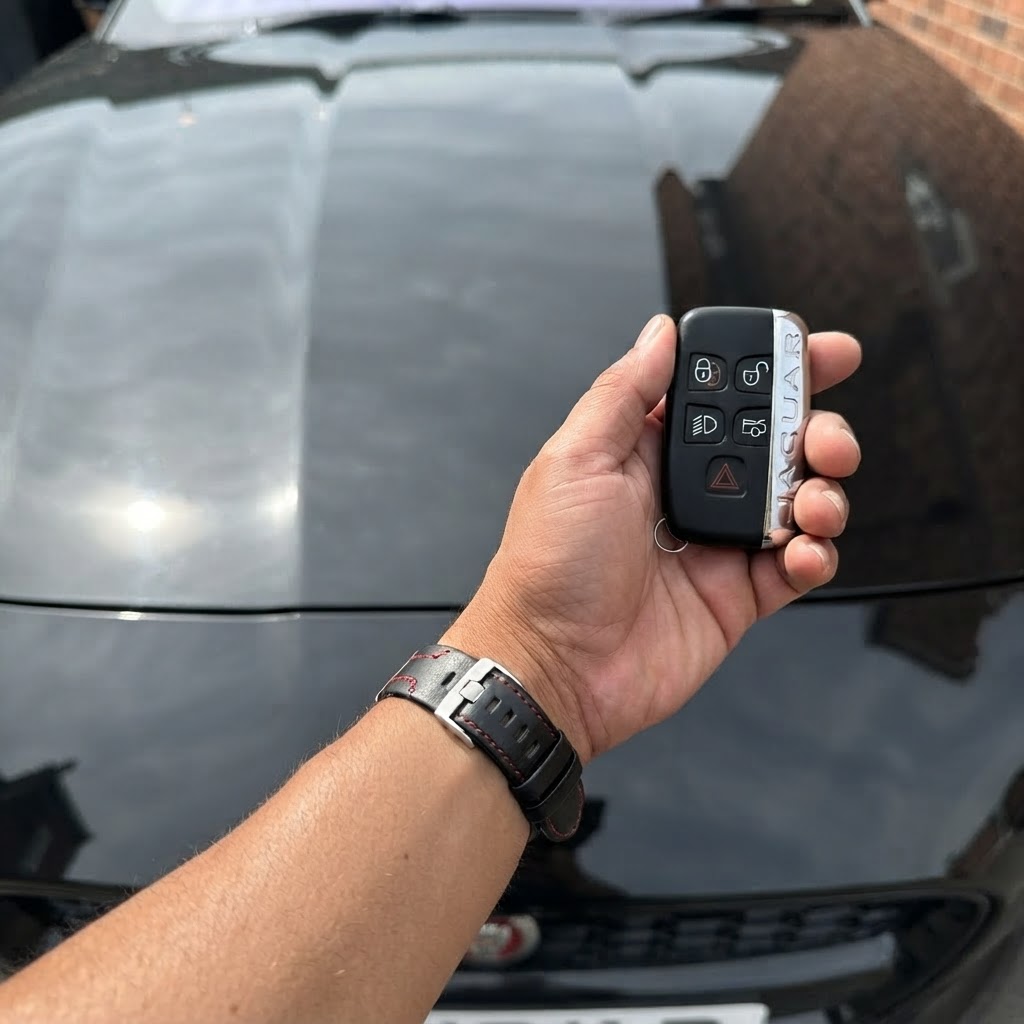
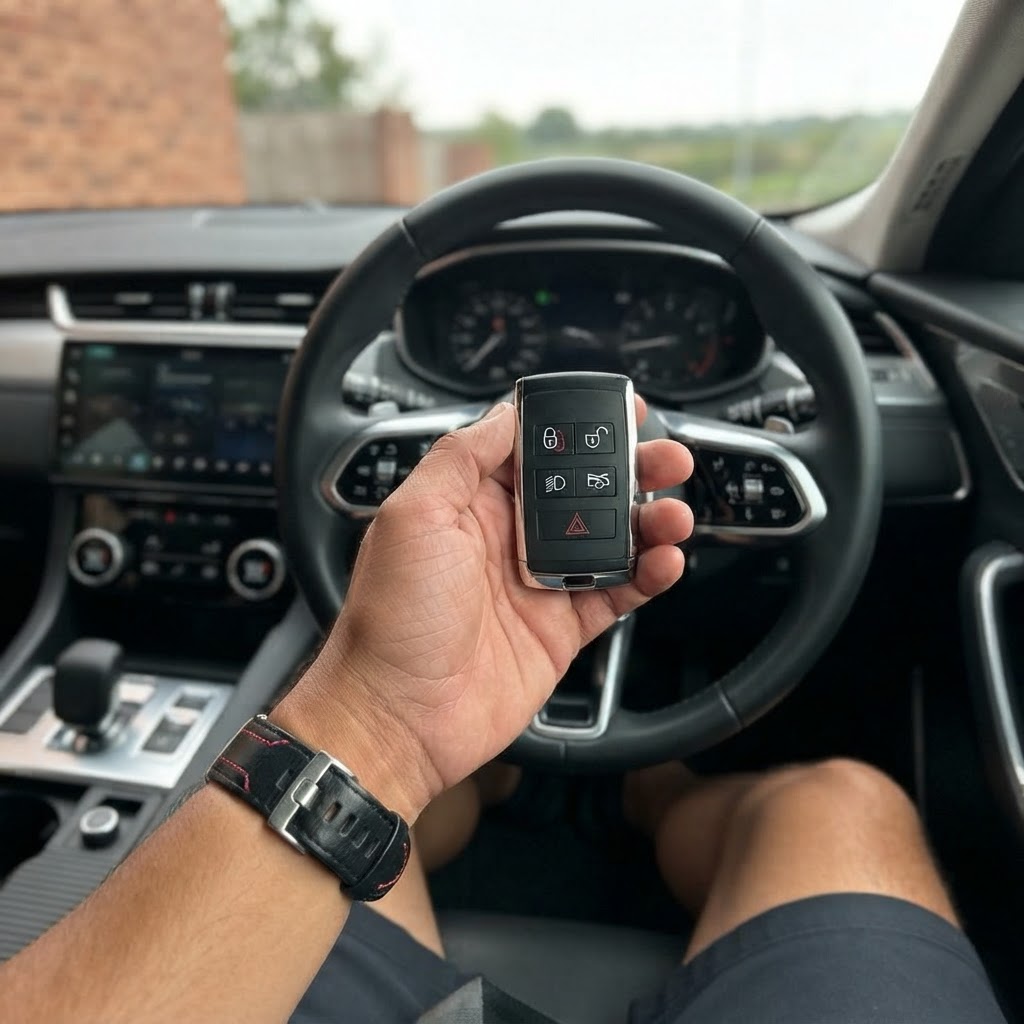
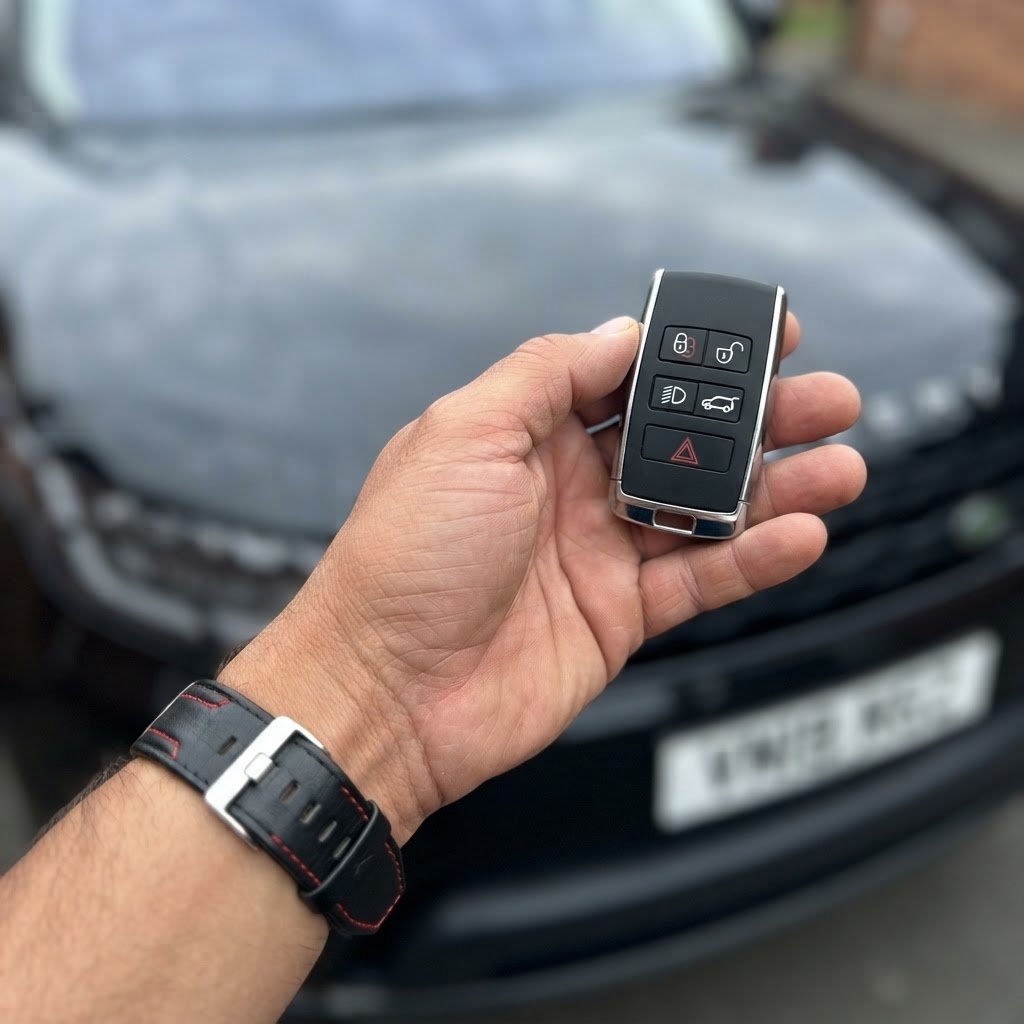
It usually happens at the least convenient moment. You climb into your Land Rover Discovery 5, press the start button, and instead of the engine's roar, you see a persistent warning on the instrument cluster: land rover discovery 5 key battery low. While the Discovery 5 is a masterpiece of modern engineering, its high-tech proximity sensing system places a constant drain on the small CR2032 coin cell inside your remote.
Ignoring this warning isn't just an annoyance; eventually, the car will stop recognizing the key entirely. If you are currently stuck in a shopping centre parking lot in Johannesburg or preparing for a trip out of Cape Town, here is exactly what you need to do to get moving again.
How to Change Your Discovery 5 Key Battery
The good news is that replacing the battery is a straightforward task you can handle yourself. The Discovery 5 uses a standard CR2032 3V lithium battery, which is widely available at most supermarkets or hardware stores across South Africa.
- Step 1: Slide the side cover of the key fob off. You may need to slide the release catch (the small mechanical button) to allow the emergency key blade to pull out.
- Step 2: Use the emergency key blade or a small flathead screwdriver to gently pry the two halves of the fob housing apart.
- Step 3: Remove the old CR2032 battery. Note the orientation—the positive (+) side should usually face upwards.
- Step 4: Insert the new battery. Pro tip: Avoid touching the flat surfaces of the new battery with your bare fingers, as skin oils can reduce its lifespan. Wipe it with a clean cloth first.
- Step 5: Snap the casing back together and slide the side cover back on.
What if the Message Persists or the Key Fails?
Sometimes, a fresh battery doesn't solve the problem. If you've replaced the cell and still see the 'battery low' error, or if your buttons are physically worn and unresponsive, you might be looking at internal circuit fatigue. In modern Land Rover models, the smart key is part of a complex security handshake between the KVM (Keyless Vehicle Module) and the fob itself.
If your key has stopped working entirely and you cannot start the vehicle, remember that there is an emergency start sequence. Hold the key fob against the underside of the steering column (there are usually three small ridges to indicate the spot) while pressing the start button. This uses passive RFID to start the car even if the remote battery is dead.
Professional Mobile Solutions in South Africa
If your Discovery 5 key is physically damaged, or if you've realized you only have one working key left, relying on a single remote is a high-risk strategy. Losing your only key for a Discovery 5 can lead to a costly recovery and dealer bill.
National Car Keys provides a specialized mobile service that comes to you. We handle everything on-site, whether you are at home in Pretoria or your office in Durban. Our pricing is transparent and significantly more affordable than the local dealership:
- Spare Land Rover Discovery 5 Key: R3,500 to R6,500 (depending on the specific year and key type).
- All Keys Lost Situation: R7,500 to R12,500+ (this requires advanced programming and bypassing the secure KVM module).
We use genuine-quality hardware and dealer-level diagnostic equipment to ensure your new key functions perfectly with your Land Rover's proximity entry and push-to-start features. No need to wait weeks for a key to be shipped from the UK or to pay for expensive towing to a workshop.
Get Back on the Road Today
Don't let a failing remote leave your Land Rover Discovery 5 stranded. Whether you need a quick battery advice or a complete key replacement, our mobile teams across South Africa are ready to assist. Contact National Car Keys today for a fast, professional quote and have a technician dispatched to your location in Cape Town, Johannesburg, Durban, or Pretoria.