How To Change Land Rover Discovery 4 Key Battery
The Land Rover Discovery 4 (L319 facelift) uses an older-style JLR remote key. Here's how to replace the CR2032 battery.
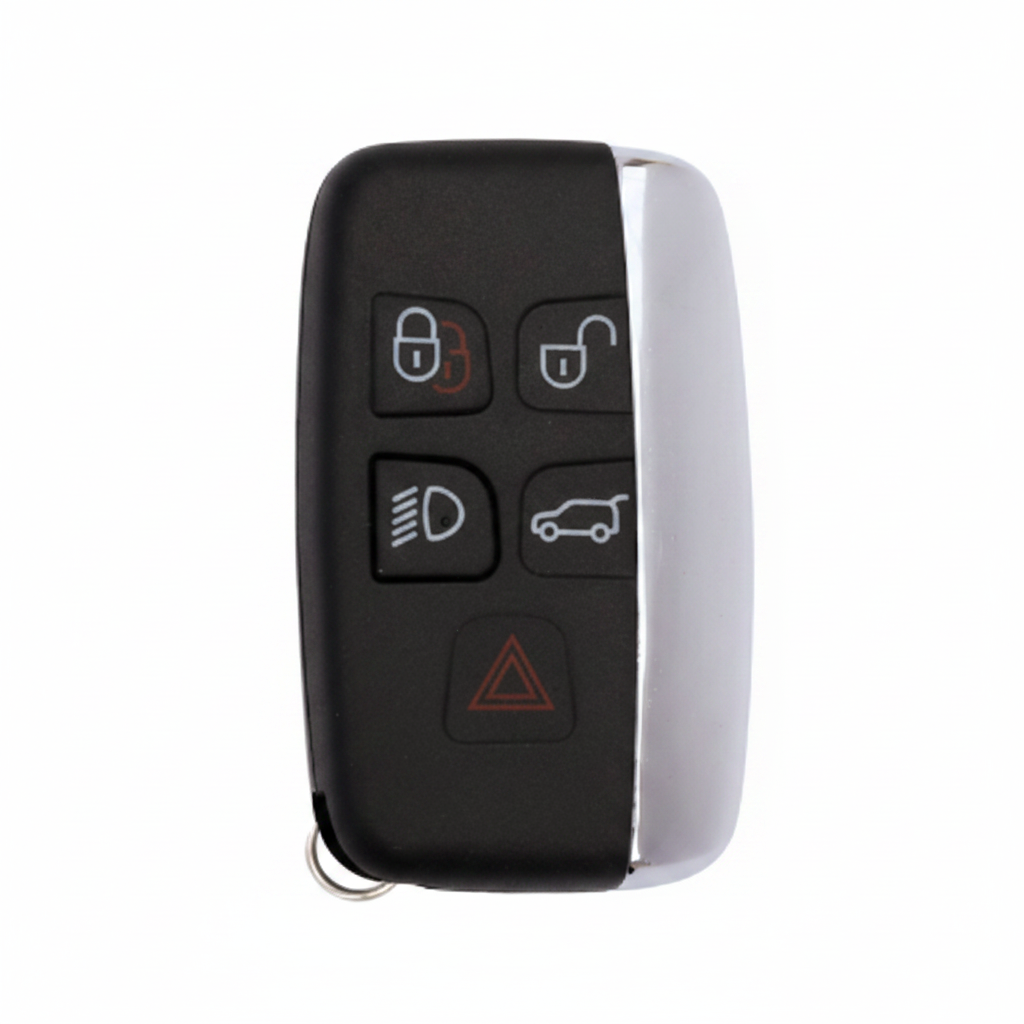
What You'll Need
- The keyfob itself
- Small flat screwdriver or coin
- New CR2032 battery
Step-by-Step Instructions
Remove the emergency blade
Press the release slider and slide out the metal blade from the keyfob.
Find the case seam
Look at the edge of the keyfob for a thin gap where the two halves meet. The gap is usually most accessible near the blade slot.
Open the keyfob
Insert a small flat screwdriver or coin into the gap and twist to gently separate the two halves. Take care not to break the plastic clips.
Remove the old battery
Lift out the CR2032 battery carefully. Note which way the + side was facing before removal.
Insert the new battery
Place the new CR2032 battery in with the + (positive) side facing UP. Press gently until it sits flat.
Reassemble the keyfob
Press both halves back together around the seam until all clips engage. Ensure no gaps remain.
Reinsert the blade and test
Slide the emergency blade back in and press any button to test.
Pro Tip
Discovery 4 keys sometimes need the car's central locking to be manually operated once after a battery replacement to re-sync the remote frequency.
Key Still Not Working?
If a fresh battery doesn't fix the issue, the problem is likely the vehicle's KVM module, a de-synced transponder, or a faulty key — not the battery. We diagnose and fix this on-site, same day.