How To Change The Keyfob Battery For A Range Rover Velar (2017–2019)
The Range Rover Velar (2017–2019) uses the standard JLR proximity smart key. Follow these steps to replace the CR2032 battery at home.
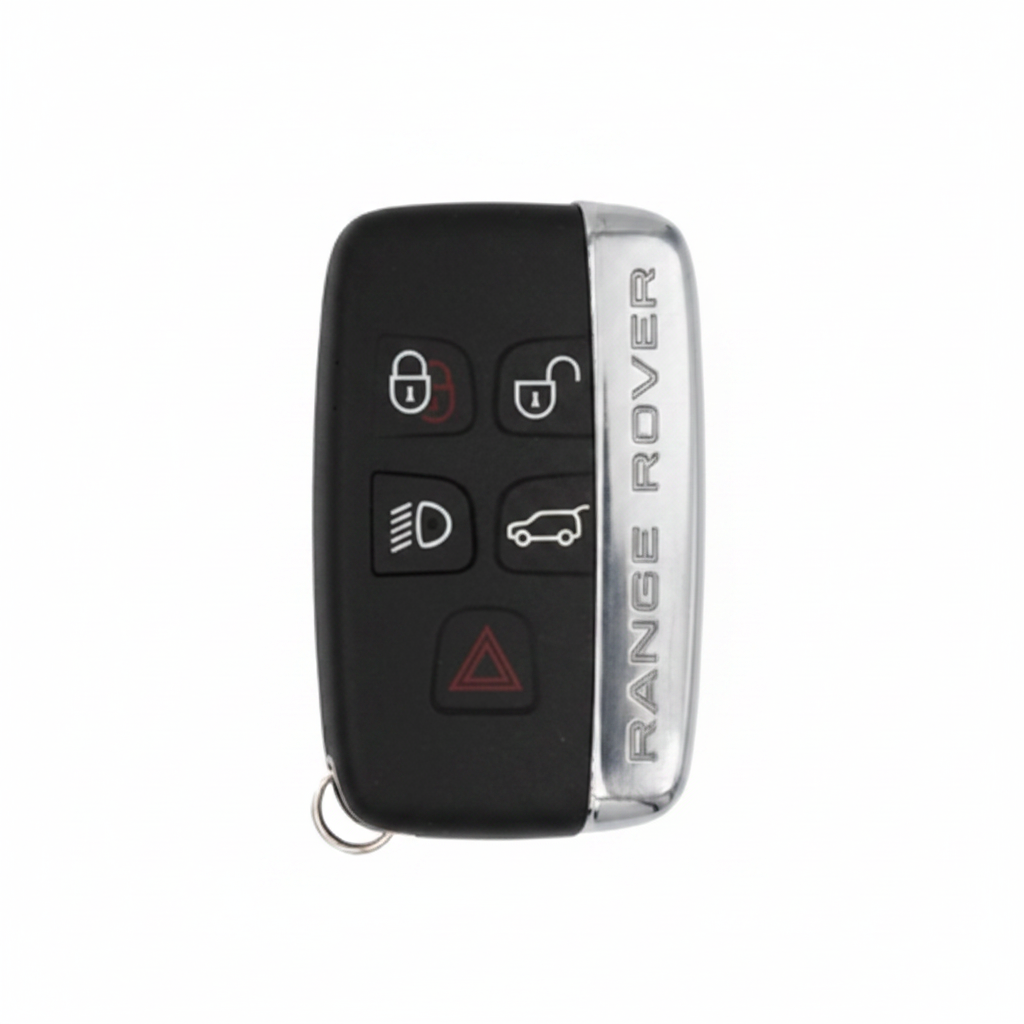
What You'll Need
- The keyfob itself
- Flat screwdriver
- New CR2032 battery
Step-by-Step Instructions
Remove the emergency blade
Press the release tab and slide the emergency blade out of the keyfob.
Open the casing
Insert the emergency blade or a flat screwdriver into the seam gap. Twist gently to separate the two halves.
Swap the battery
Lift out the old CR2032 and drop in the new one with the + side facing UP.
Close and test
Snap the keyfob shut, reinsert the blade, and verify all buttons respond.
Pro Tip
On first use after battery replacement, press any button while standing next to the car to confirm successful re-sync.
Key Still Not Working?
If a fresh battery doesn't fix the issue, the problem is likely the vehicle's KVM module, a de-synced transponder, or a faulty key — not the battery. We diagnose and fix this on-site, same day.