How To Change The Keyfob Battery For A Range Rover Vogue (2010–2017)
The 2010–2017 Range Rover Vogue (L405) uses the KVM-era JLR proximity smart key. Here's how to replace the CR2032 battery at home.
Important Note
The 2013–2017 Range Rover Vogue has a known KVM (Key Vehicle Module) failure issue. A fresh battery won't fix a KVM fault. If the car doesn't detect any key after a battery swap, call us.
What You'll Need
- The keyfob itself
- Flat screwdriver or coin
- New CR2032 battery
Step-by-Step Instructions
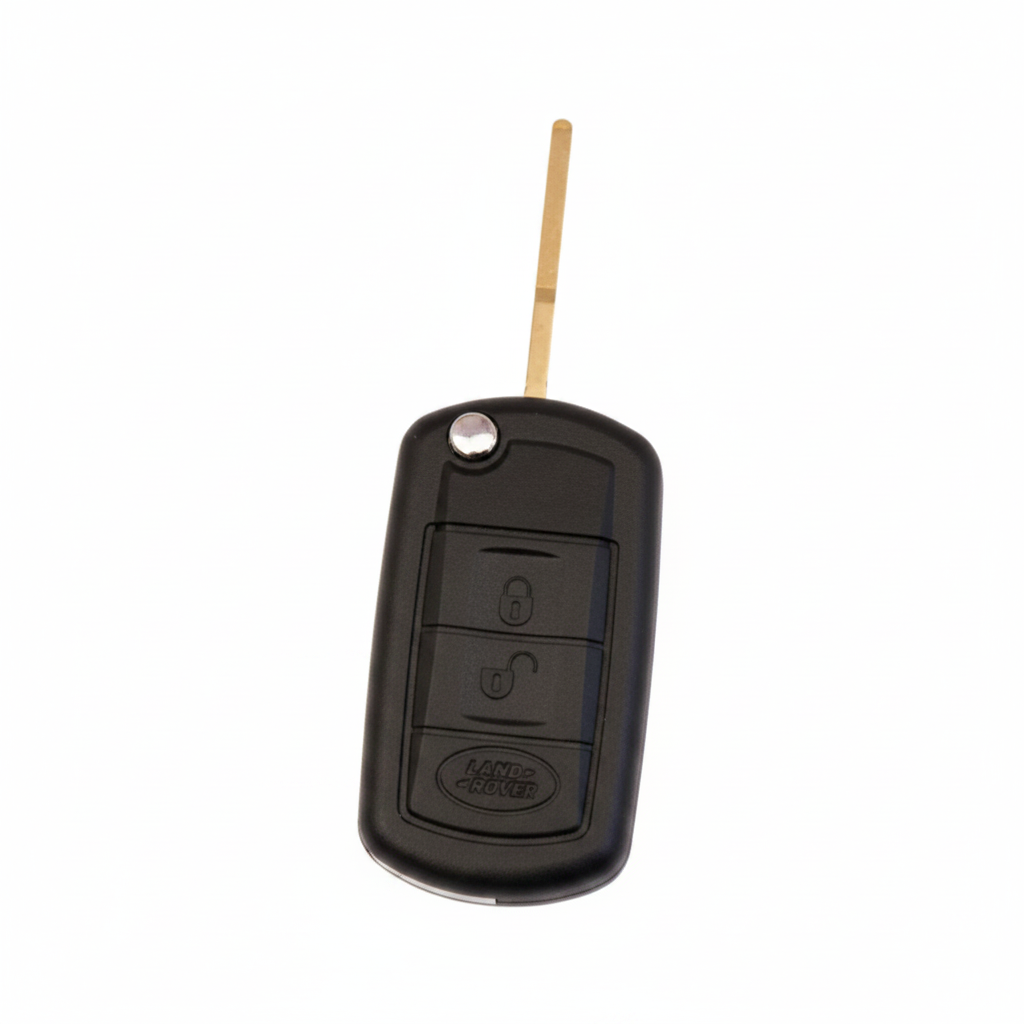
Remove the emergency blade
Press the release tab and pull the emergency blade out fully.
Open the casing
Insert the blade edge into the seam gap and twist gently to start separating the two halves.
Lift out the old battery
Remove the CR2032 battery carefully without touching the circuit board.
Insert the new battery
Place the new CR2032 in with the + side UP and press until seated.
Snap the casing shut
Press both halves together firmly until all clips engage.
Reinsert the blade and test
Slide the blade back in and test all buttons.
Pro Tip
On 2013–2017 Vogue models, if 'Smart Key Not Found' appears after a battery change, this is likely a KVM module fault — not the battery. Contact us for a free diagnosis.
Key Still Not Working?
If a fresh battery doesn't fix the issue, the problem is likely the vehicle's KVM module, a de-synced transponder, or a faulty key — not the battery. We diagnose and fix this on-site, same day.