How To Change The Keyfob Battery For A Jaguar XF (2013–2019)
The 2013–2019 Jaguar XF (X250/X260) uses a KVM-era proximity keyfob. Battery replacement is simple — no tools other than a coin or the emergency blade are needed.
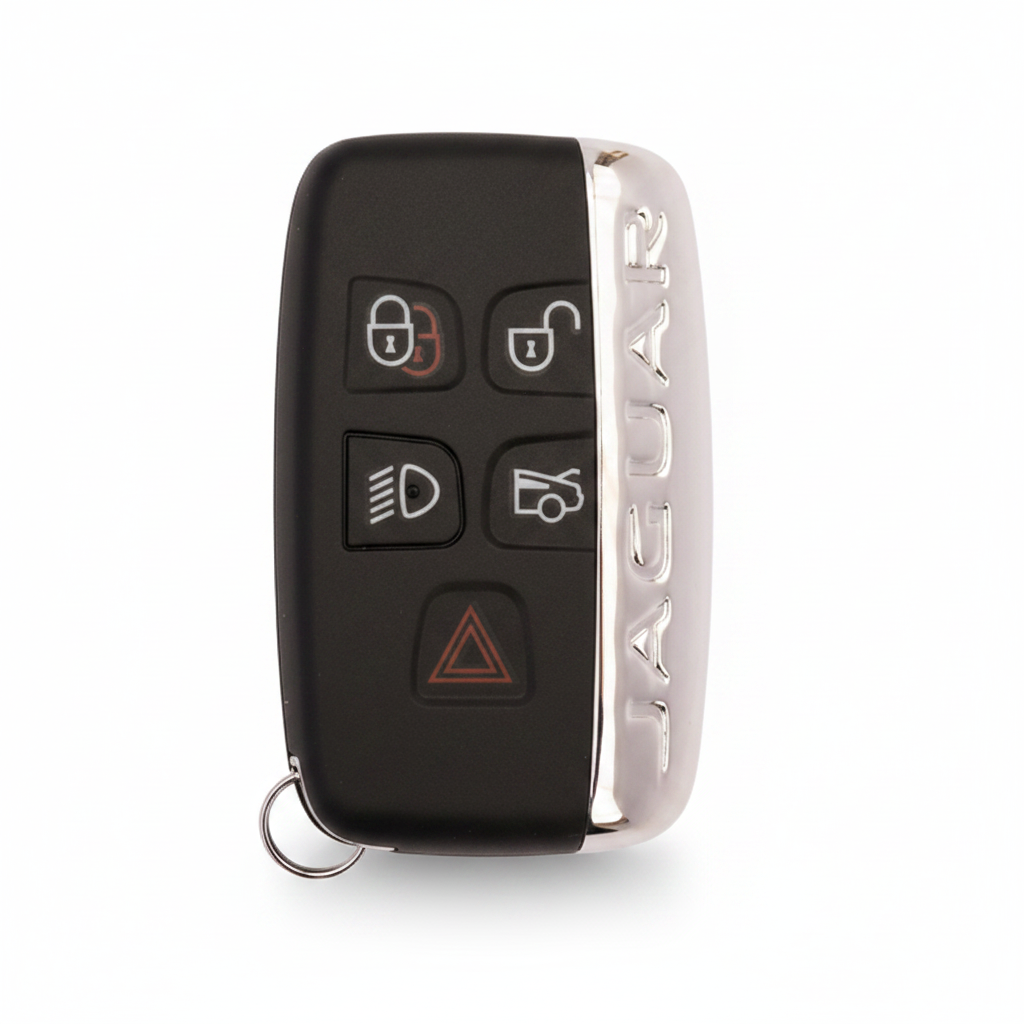
Important Note
If your dashboard shows 'Smart Key Not Found' or the car won't start after a battery change, this points to a KVM (Key Vehicle Module) fault — not the battery. This is a known issue on 2013–2018 Jaguar models.
What You'll Need
- The keyfob itself
- Coin or flat screwdriver
- New CR2032 battery
Step-by-Step Instructions
Slide out the emergency blade
Press the release slider and pull out the metal emergency key from the bottom of the fob.
Open the keyfob
Insert a coin or the flat edge of the blade into the seam gap near the blade slot. Twist carefully to pop open the casing.
Remove the old battery
The CR2032 battery is in a flat tray. Lift it out with your fingernail — do not scratch the circuit board.
Insert the new battery
Drop in the new CR2032 with the + side UP. Press until it seats firmly.
Close the keyfob
Press the two halves together firmly until the clips all engage and there are no visible gaps.
Reinsert the blade
Slide the emergency blade back in and test the buttons.
Pro Tip
The 2013–2015 XF (X250 facelift) has a known BCM module issue — if replacing the battery doesn't fix a 'Key Not Detected' warning, the problem may be the vehicle's KVM module, not the key battery. Contact us for a diagnosis.
Key Still Not Working?
If a fresh battery doesn't fix the issue, the problem is likely the vehicle's KVM module, a de-synced transponder, or a faulty key — not the battery. We diagnose and fix this on-site, same day.